A web application for managing projects and tasks for specific projects. The application consists of a monorepo containing separate back-end and front-end applications.
Swagger: https://api.fastdo.vertyll.dev/api#/
- NestJS (Fastify adapter).
- TypeORM.
- PostgreSQL.
- Jest.
- OpenAPI (Swagger).
- Angular.
- RxJS.
- NGXS.
- Tailwind CSS.
- JWT authentication – the application uses JWT tokens for user authentication and includes a token refresh mechanism (http only secure cookie).
- The application allows logging in on multiple devices simultaneously.
- The application includes an exception handling mechanism.
- The application includes a logging mechanism.
- The application is fully translated into English and Polish.
- The application includes an email sending mechanism, separate for dev and prod (strategy pattern).
- The application includes a file handling mechanism (strategy pattern).
- The application includes a recurring task handling mechanism (cron).
- The application uses WebSockets for real-time notifications.
- The application has separate environments for dev and prod.
- The application has a separate configuration file.
- The application includes RBAC (Role Based Access Control).
- The application includes CLS (Continuation Local Storage).
- API documentation is written using OpenAPI (Swagger).
- And many other features that can be found in the application code.
- The application includes a state management system using NGXS.
- The application is fully translated into English and Polish.
- The application includes custom Tailwind CSS theme with dark/light mode support.
- Components are fully reusable, written according to DRY principles and using Atomic Design methodology.
- The application is written according to new Angular standards – including the use of signals.
- And many other features that can be found in the application code.
- Turborepo for script automation and monorepo structure management.
- ESLint and Prettier for static code analysis and maintaining consistent code quality.
- Docker for development environment.
Note
During application development, SOLID principles, DRY, composition over inheritance, dependency injection, design patterns, architectural patterns, testing, and other good programming practices were applied.
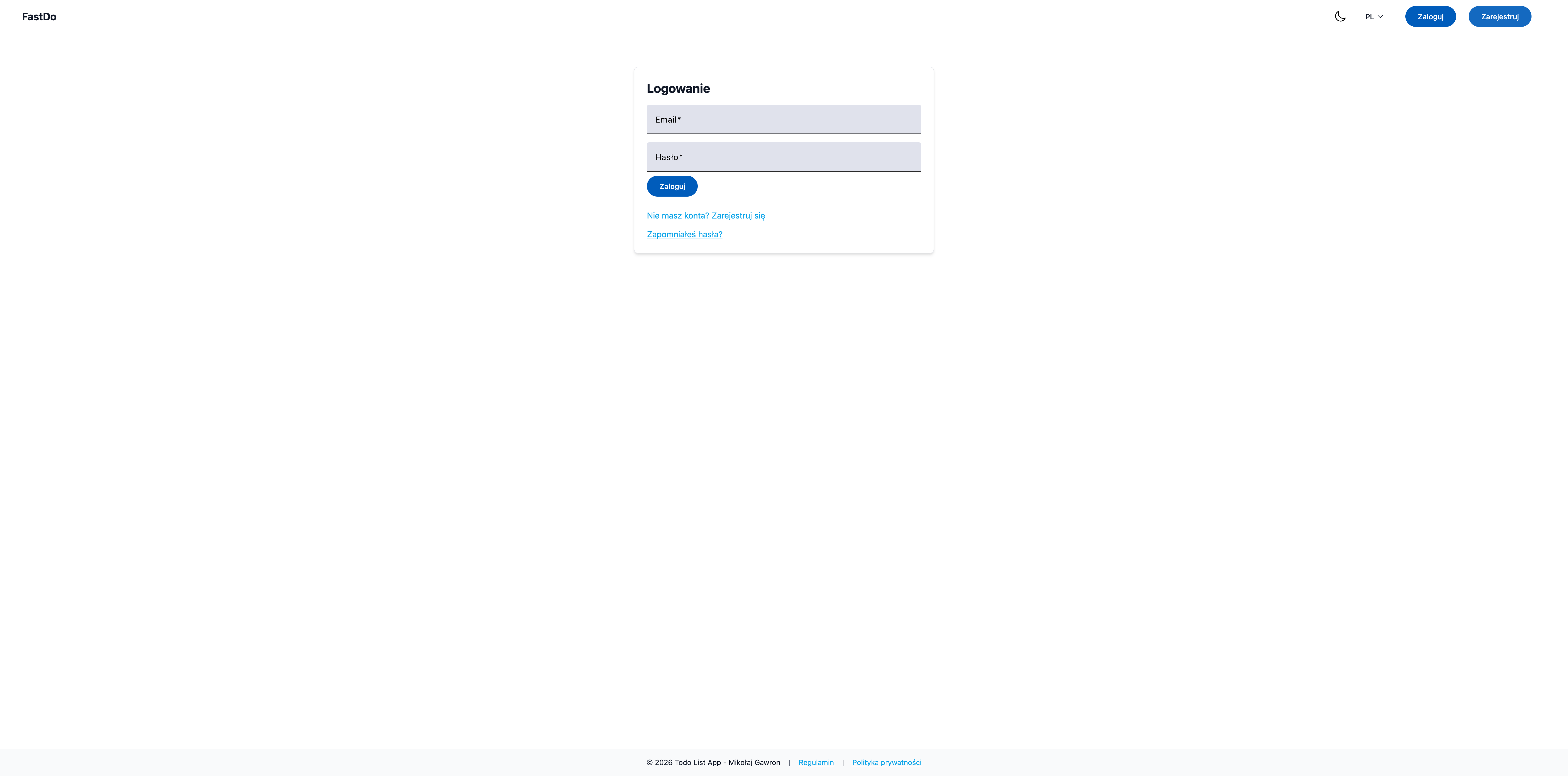
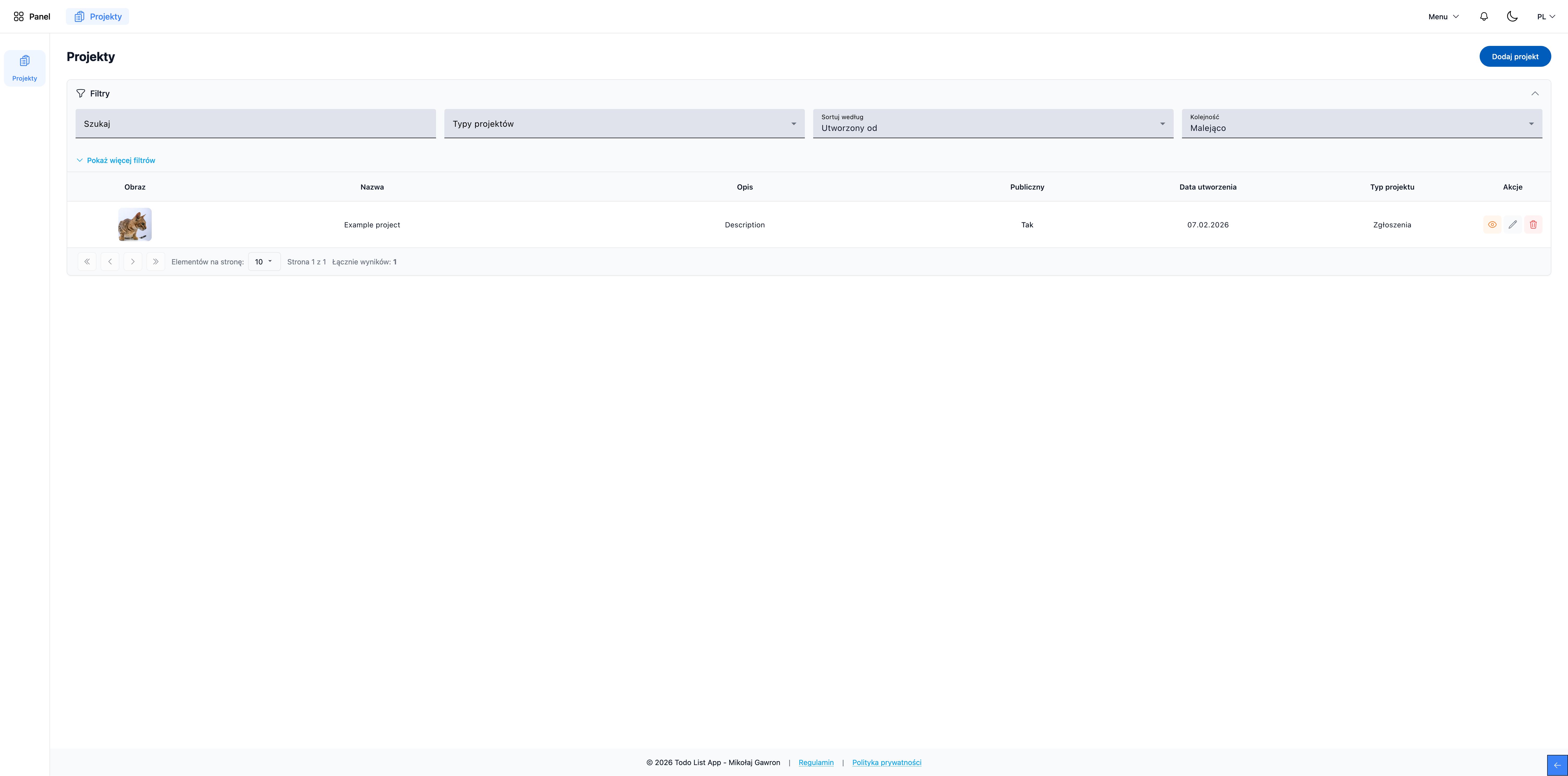
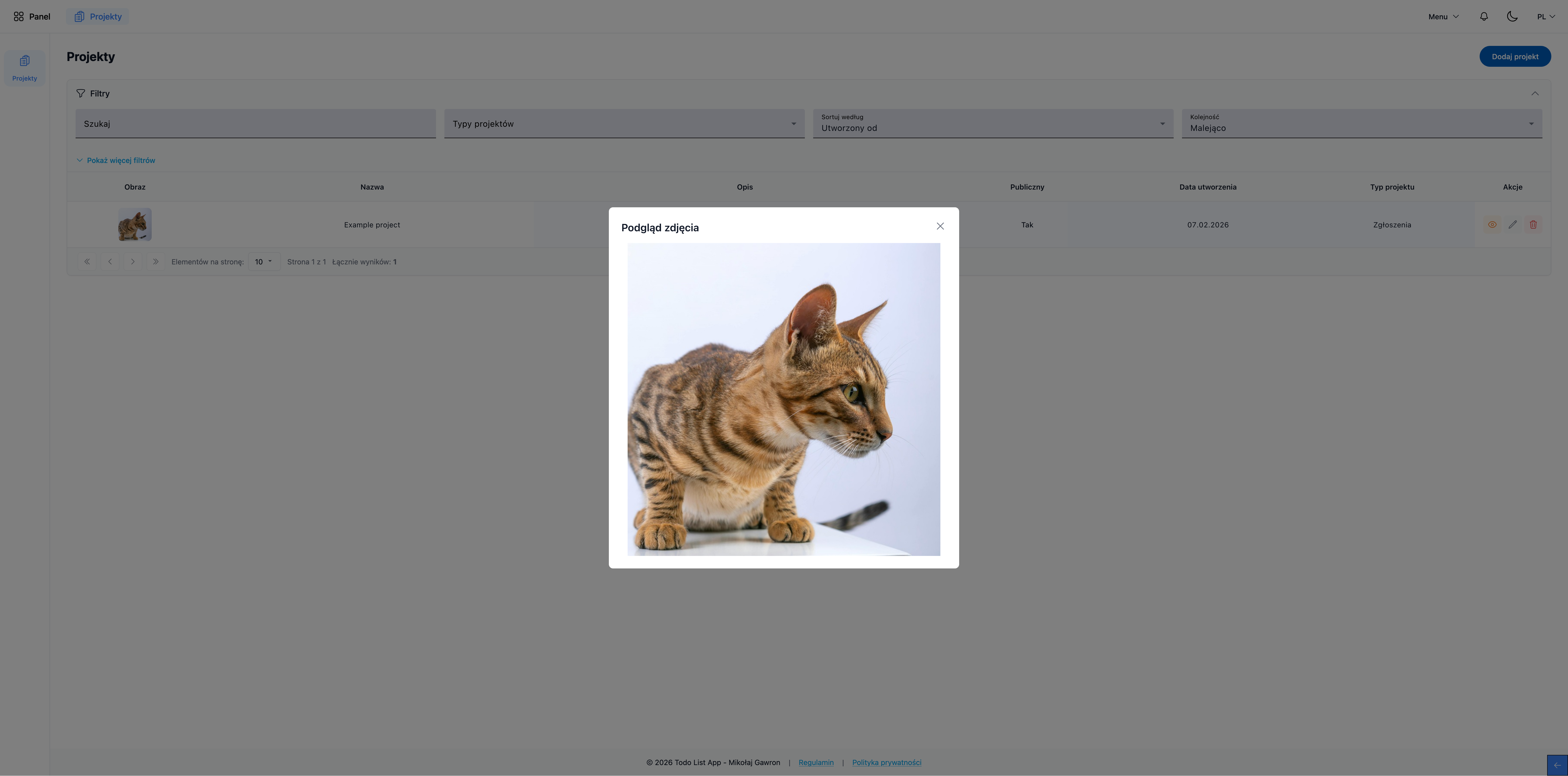
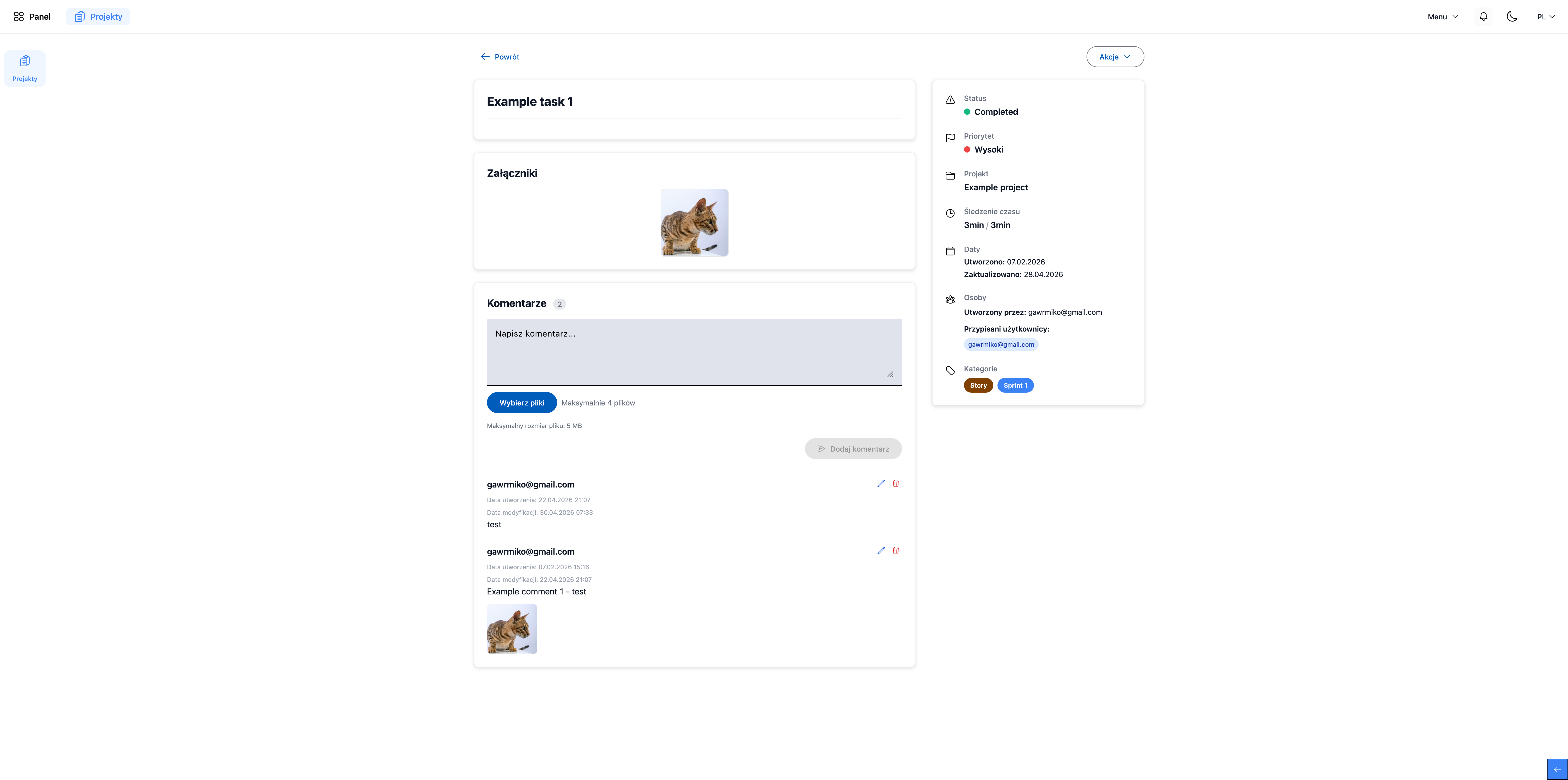
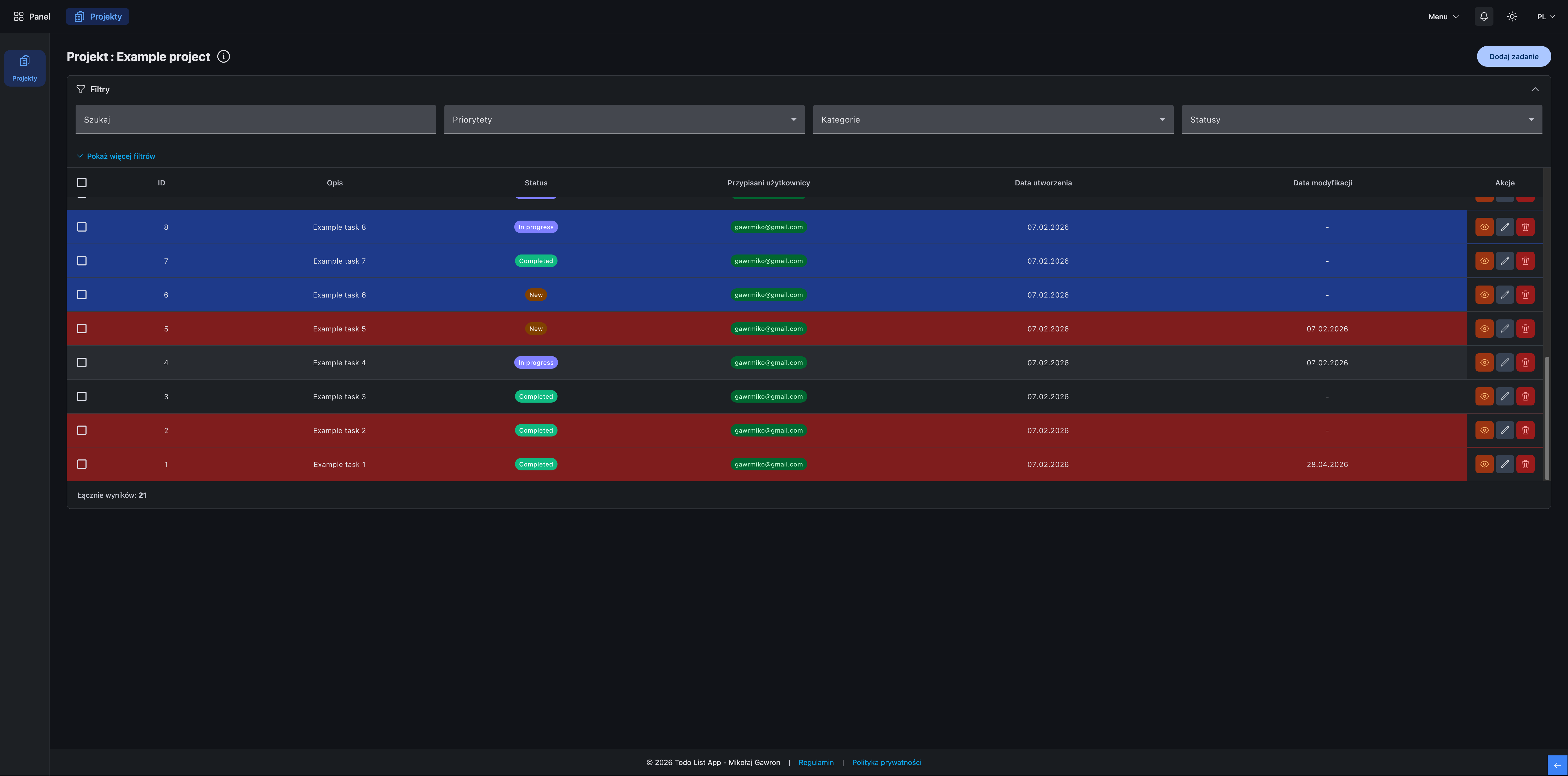
- Download the project to your local environment.
- Run:
pnpm install
# or
npm install
Important
At this point, all dependencies needed to run the project will be installed and .env files will be created in the
back-end structure.
In the created .env files, define your own API keys and configuration data.
In the front-end structure, define your API address in the environment.ts file.
Important
Check if you have a database running, the project uses PostgreSQL database.
Then run:
pnpm run dev
# or
npm run devImportant
Copy the .env.docker.dev.example file to .env in the main project directory.
Then run:
docker-compose -f docker-compose.dev.yml --env-file .env up -dNote
By default:
- The back-end application should be available at http://localhost:3000.
- The front-end application should be available at http://localhost:4200.
Paste the addresses into your web browser.